


PHP Security Vulnerability: 5 Critical Website Checks Every Owner Should Know
What Is a PHP Security Vulnerability?
Launching a website is only the beginning. To keep it secure, reliable and running smoothly, regular updates and maintenance are essential.
For many businesses, a website is an important channel for showcasing products, introducing services and receiving customer enquiries. However, even if a website loads normally, it does not necessarily mean that it is secure. A website’s PHP version, WordPress core, themes and plugins all need to be checked and updated regularly.
PHP regularly releases security updates to address vulnerabilities and improve the security of its software. For businesses using WordPress or other PHP-based systems, keeping the website environment up to date is an important step in reducing security risks.
So, what is a PHP security vulnerability? What risks could a website face, and how can business owners protect their websites?
A PHP security vulnerability is a weakness in PHP or its related components that attackers may exploit to compromise a website or server environment. Depending on the vulnerability, the impact could include unauthorised access, sensitive information disclosure, remote code execution or website disruption.
Not every PHP vulnerability affects every website. The actual risk depends on the PHP version, server configuration and how the website is built and maintained.
You can check official PHP updates through the PHP Releases page and review supported versions through the PHP Supported Versions page.
Why PHP Security Matters for Your Business Website
Many business websites use PHP-based systems such as WordPress. These platforms make it easier to manage website content, publish articles and maintain business information.
However, using a popular platform does not mean a website is automatically protected. Outdated software, vulnerable plugins and poor security practices can create opportunities for attackers.
For businesses, website security is more than just a technical concern. A compromised website may expose customer information, interrupt business enquiries and damage the company’s online reputation.
This is why WordPress security and regular website maintenance should be part of every business owner’s website management plan.
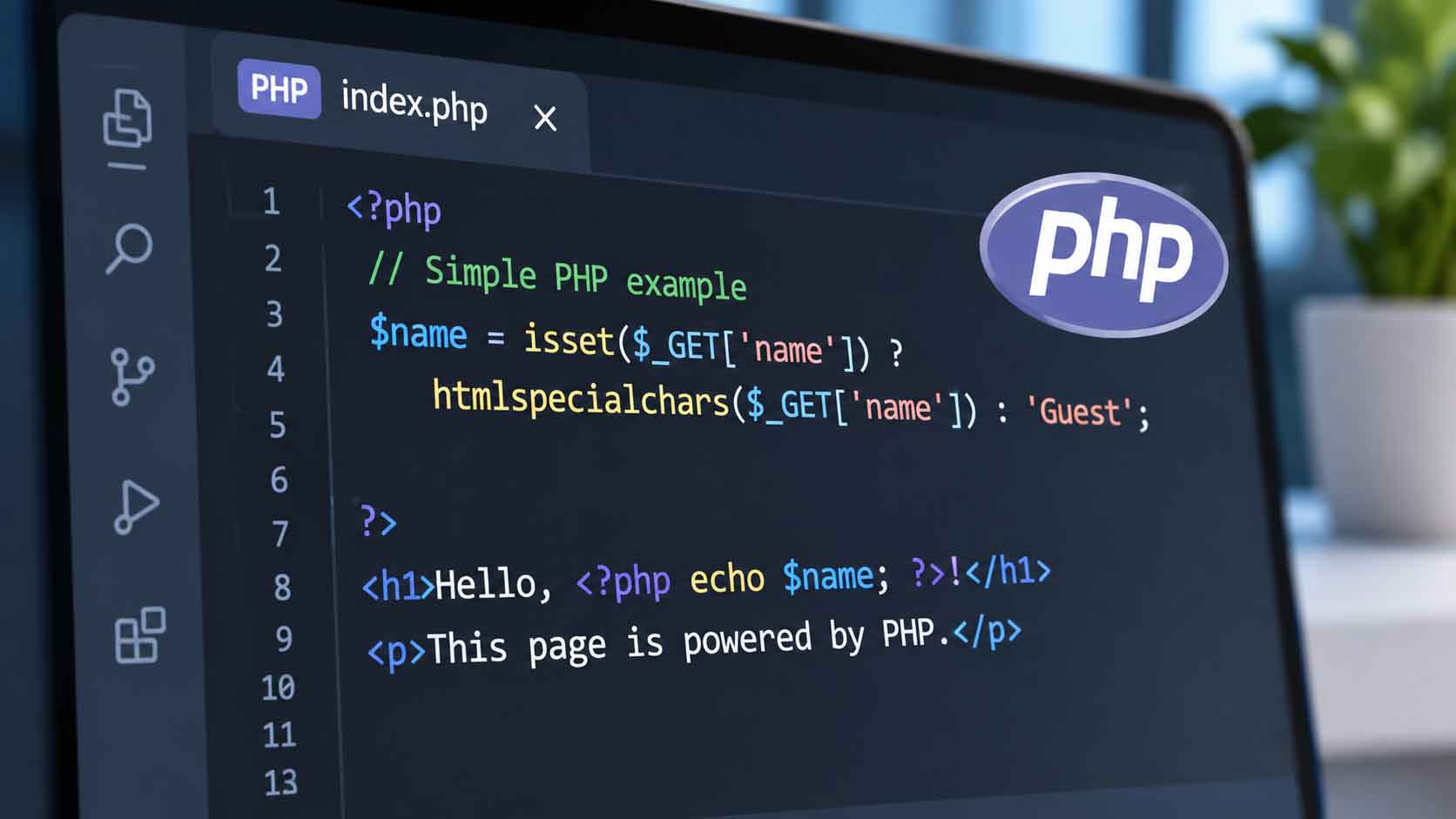
WordPress Security: 5 Critical Website Checks Every Owner Should Know
Keeping a website secure requires attention to more than just its WordPress dashboard. Here are five important checks business owners should carry out to reduce security risks and keep their websites running properly.
1. Check Your PHP Version
The PHP version running on your website plays an important role in its security and performance.
Older PHP versions may no longer receive official security updates. If a vulnerability is discovered in an unsupported version, there may be no official security patch available to address it.
Website owners should:
- Check the PHP version currently running on their hosting server.
- Confirm whether the version is still officially supported.
- Plan an upgrade if the current version is outdated.
- Check compatibility with WordPress, themes and plugins before upgrading.
Before changing the PHP version, make a complete website backup and test the upgrade where possible. This helps reduce the risk of compatibility problems, website errors or unexpected downtime.
You can refer to the official PHP Supported Versions list to check the support status of different versions.
2. Update WordPress, Themes and Plugins
Keeping WordPress updated is an important part of WordPress security.
Updates may include security patches, bug fixes, performance improvements and compatibility changes. Ignoring them for too long can leave known weaknesses unaddressed.
Website owners should regularly check:
- WordPress core updates.
- Theme updates.
- Plugin updates.
- Whether installed plugins and themes are still actively maintained.
- Whether unused plugins and themes can be safely removed.
Avoid installing plugins or themes from unknown sources. Untrusted software may contain security risks or harmful code.
For businesses using WordPress, choosing a website setup that suits their needs is also important. You can learn more in our guide to WordPress websites for Malaysian businesses.
3. Make Sure Your Website Backups Work
A website backup provides a way to recover your website if something goes wrong.
For example, a website may experience problems after an update, a server failure or a security incident. Without a recent backup, restoring the website may take more time and effort.
A proper backup routine should include:
- Website files.
- The website database.
- Regular backup schedules.
- Secure backup storage.
- Periodic restoration tests.
Simply having a backup file is not enough. You should also check whether the backup can actually be restored.
For business websites, regular backups are an important part of website maintenance because they help reduce downtime and the risk of data loss.
4. Review Website Access and Security Settings
Website security also depends on who can access the website and what permissions they have.
If too many people have administrator access, the risk of accidental changes or unauthorised activity may increase.
Business owners should:
- Use strong and unique passwords.
- Enable two-factor authentication where available.
- Remove access for former employees or users who no longer need it.
- Give users only the permissions required for their work.
- Avoid sharing administrator login details unnecessarily.
It is also important to review hosting account access and other connected services. Protecting the WordPress dashboard alone may not be enough if other parts of the website environment are poorly secured.
5. Test Your Website After Updates
Installing updates does not always mean everything will continue working as expected.
Changes to PHP, WordPress, themes or plugins may affect certain website functions. This is why testing after updates is an important part of website maintenance.
After an update, check:
- Whether the homepage loads correctly.
- Whether service and product pages display properly.
- Whether contact forms can be submitted.
- Whether the website works on mobile devices.
- Whether important buttons and links function correctly.
- Whether the WordPress dashboard remains accessible.
If your website includes online payments, booking systems or other important functions, test those features carefully as well.
A website should not only be secure. It should also remain accessible and usable for visitors.
How to Build a Practical Website Maintenance Routine
Website maintenance should not be something businesses only think about when a problem occurs.
Instead, establish a regular schedule to review the website’s software, security settings, backups and overall performance.
A simple maintenance routine may include:
- Weekly: Check for important security updates and unusual website activity.
- Monthly: Review WordPress, theme and plugin updates, and check important website functions.
- Regularly: Confirm that backups are working and can be restored.
- When necessary: Review PHP version compatibility and plan upgrades.
The exact schedule depends on the website’s complexity, business requirements and level of activity. Websites with frequent content updates, online transactions or customer accounts may require more frequent monitoring.
For businesses in Johor Bahru and other parts of Malaysia, maintaining a website regularly helps ensure that customers can continue accessing important business information. Companies serving customers in Singapore should also consider website reliability as part of their online business operations.
You can read more about website maintenance and why it matters to understand what regular website care involves.
Need Help Checking Your Website?
A PHP security vulnerability can affect more than just the website’s software. PHP versions, WordPress components, backups, access permissions and website functions all play a role in keeping a website secure and reliable.
If you are unsure whether your website is using a supported PHP version or whether its current setup is properly maintained, getting professional help can make the process easier.
At JPress, we provide website maintenance services to help businesses keep their websites updated, functional and reliable.
You can also watch our Facebook Reel about website security and maintenance for a quick reminder of why website care should not be overlooked.
A website launch is only the beginning. Regular security checks and proper website maintenance help keep your website safer, more reliable and ready to support your business.


PHP Security Vulnerability: 5 Critical Website Checks Every Owner Should Know
What Is a PHP Security Vulnerability?
Launching a website is only the beginning. To keep it secure, reliable and running smoothly, regular updates and maintenance are essential.
For many businesses, a website is an important channel for showcasing products, introducing services and receiving customer enquiries. However, even if a website loads normally, it does not necessarily mean that it is secure. A website’s PHP version, WordPress core, themes and plugins all need to be checked and updated regularly.
PHP regularly releases security updates to address vulnerabilities and improve the security of its software. For businesses using WordPress or other PHP-based systems, keeping the website environment up to date is an important step in reducing security risks.
So, what is a PHP security vulnerability? What risks could a website face, and how can business owners protect their websites?
A PHP security vulnerability is a weakness in PHP or its related components that attackers may exploit to compromise a website or server environment. Depending on the vulnerability, the impact could include unauthorised access, sensitive information disclosure, remote code execution or website disruption.
Not every PHP vulnerability affects every website. The actual risk depends on the PHP version, server configuration and how the website is built and maintained.
You can check official PHP updates through the PHP Releases page and review supported versions through the PHP Supported Versions page.
Why PHP Security Matters for Your Business Website
Many business websites use PHP-based systems such as WordPress. These platforms make it easier to manage website content, publish articles and maintain business information.
However, using a popular platform does not mean a website is automatically protected. Outdated software, vulnerable plugins and poor security practices can create opportunities for attackers.
For businesses, website security is more than just a technical concern. A compromised website may expose customer information, interrupt business enquiries and damage the company’s online reputation.
This is why WordPress security and regular website maintenance should be part of every business owner’s website management plan.
WordPress Security: 5 Critical Website Checks Every Owner Should Know
Keeping a website secure requires attention to more than just its WordPress dashboard. Here are five important checks business owners should carry out to reduce security risks and keep their websites running properly.
1. Check Your PHP Version
The PHP version running on your website plays an important role in its security and performance.
Older PHP versions may no longer receive official security updates. If a vulnerability is discovered in an unsupported version, there may be no official security patch available to address it.
Website owners should:
- Check the PHP version currently running on their hosting server.
- Confirm whether the version is still officially supported.
- Plan an upgrade if the current version is outdated.
- Check compatibility with WordPress, themes and plugins before upgrading.
Before changing the PHP version, make a complete website backup and test the upgrade where possible. This helps reduce the risk of compatibility problems, website errors or unexpected downtime.
You can refer to the official PHP Supported Versions list to check the support status of different versions.
2. Update WordPress, Themes and Plugins
Keeping WordPress updated is an important part of WordPress security.
Updates may include security patches, bug fixes, performance improvements and compatibility changes. Ignoring them for too long can leave known weaknesses unaddressed.
Website owners should regularly check:
- WordPress core updates.
- Theme updates.
- Plugin updates.
- Whether installed plugins and themes are still actively maintained.
- Whether unused plugins and themes can be safely removed.
Avoid installing plugins or themes from unknown sources. Untrusted software may contain security risks or harmful code.
For businesses using WordPress, choosing a website setup that suits their needs is also important. You can learn more in our guide to WordPress websites for Malaysian businesses.
3. Make Sure Your Website Backups Work
A website backup provides a way to recover your website if something goes wrong.
For example, a website may experience problems after an update, a server failure or a security incident. Without a recent backup, restoring the website may take more time and effort.
A proper backup routine should include:
- Website files.
- The website database.
- Regular backup schedules.
- Secure backup storage.
- Periodic restoration tests.
Simply having a backup file is not enough. You should also check whether the backup can actually be restored.
For business websites, regular backups are an important part of website maintenance because they help reduce downtime and the risk of data loss.
4. Review Website Access and Security Settings
Website security also depends on who can access the website and what permissions they have.
If too many people have administrator access, the risk of accidental changes or unauthorised activity may increase.
Business owners should:
- Use strong and unique passwords.
- Enable two-factor authentication where available.
- Remove access for former employees or users who no longer need it.
- Give users only the permissions required for their work.
- Avoid sharing administrator login details unnecessarily.
It is also important to review hosting account access and other connected services. Protecting the WordPress dashboard alone may not be enough if other parts of the website environment are poorly secured.
5. Test Your Website After Updates
Installing updates does not always mean everything will continue working as expected.
Changes to PHP, WordPress, themes or plugins may affect certain website functions. This is why testing after updates is an important part of website maintenance.
After an update, check:
- Whether the homepage loads correctly.
- Whether service and product pages display properly.
- Whether contact forms can be submitted.
- Whether the website works on mobile devices.
- Whether important buttons and links function correctly.
- Whether the WordPress dashboard remains accessible.
If your website includes online payments, booking systems or other important functions, test those features carefully as well.
A website should not only be secure. It should also remain accessible and usable for visitors.
How to Build a Practical Website Maintenance Routine
Website maintenance should not be something businesses only think about when a problem occurs.
Instead, establish a regular schedule to review the website’s software, security settings, backups and overall performance.
A simple maintenance routine may include:
- Weekly: Check for important security updates and unusual website activity.
- Monthly: Review WordPress, theme and plugin updates, and check important website functions.
- Regularly: Confirm that backups are working and can be restored.
- When necessary: Review PHP version compatibility and plan upgrades.
The exact schedule depends on the website’s complexity, business requirements and level of activity. Websites with frequent content updates, online transactions or customer accounts may require more frequent monitoring.
For businesses in Johor Bahru and other parts of Malaysia, maintaining a website regularly helps ensure that customers can continue accessing important business information. Companies serving customers in Singapore should also consider website reliability as part of their online business operations.
You can read more about website maintenance and why it matters to understand what regular website care involves.
Need Help Checking Your Website?
A PHP security vulnerability can affect more than just the website’s software. PHP versions, WordPress components, backups, access permissions and website functions all play a role in keeping a website secure and reliable.
If you are unsure whether your website is using a supported PHP version or whether its current setup is properly maintained, getting professional help can make the process easier.
At JPress, we provide website maintenance services to help businesses keep their websites updated, functional and reliable.
You can also watch our Facebook Reel about website security and maintenance for a quick reminder of why website care should not be overlooked.
A website launch is only the beginning. Regular security checks and proper website maintenance help keep your website safer, more reliable and ready to support your business.


