


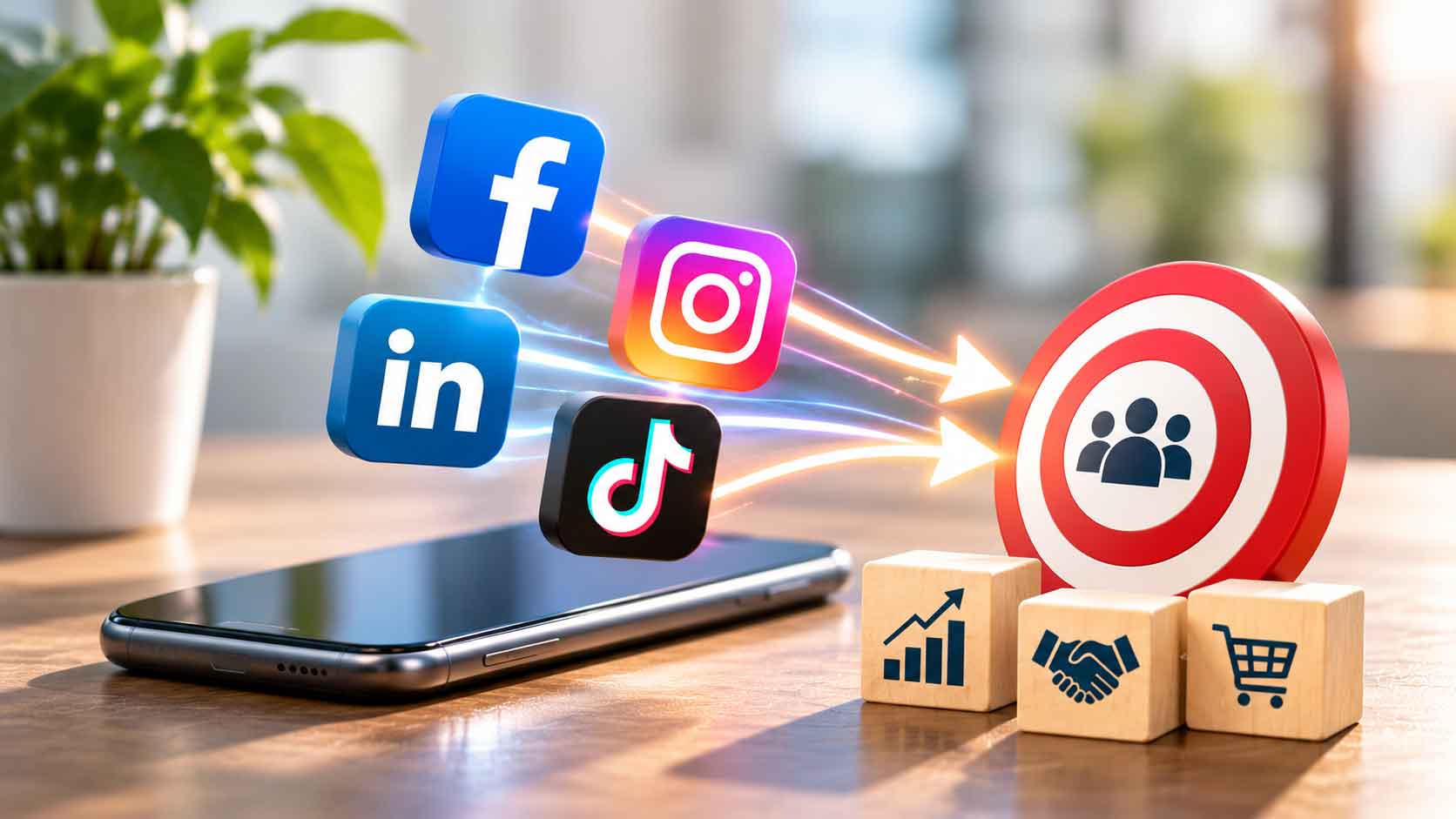
How to Use Social Media to Drive Traffic to Your Business Website
Many businesses use Facebook, Instagram and LinkedIn to promote their products and services. However, getting likes, comments and followers does not always mean that people will visit the business website or become potential customers.
The real value of social media is not just getting attention. It is giving interested people a reason to visit your website, learn more about your business and take the next step.
For businesses in Johor, Johor Bahru and Singapore, a good strategy should connect social media content with a useful website experience. By sharing relevant information, adding clear links and understanding what audiences are looking for, businesses can use Social Media Website Traffic to create more opportunities for enquiries.
Here are seven practical ways to connect your social media activities with your business website.
7 Ways to Increase Social Media Website Traffic
1. Choose the Right Social Media Platforms
Not every social media platform is suitable for every business. The best choice depends on your industry, target customers and the type of content you can consistently create.
For example:
- Facebook: Suitable for sharing business updates, promotions, customer information, events and community-related content.
- Instagram: Useful for visual content such as product photos, project highlights, short videos and behind-the-scenes posts.
- LinkedIn: Suitable for B2B businesses, manufacturers, professional service providers and companies looking to connect with business decision-makers.
- TikTok: Useful for short videos that introduce products, demonstrate services or show how a business operates.
A manufacturing company in Johor may find LinkedIn useful for presenting its production capabilities, while a café in Johor Bahru may prefer Instagram and Facebook to showcase its menu and promotions.
Businesses targeting Singapore customers should also consider which platforms their intended audience uses.
Instead of trying to manage every platform, start with the channels that match your customers. A focused approach makes it easier to maintain content quality and build consistent Social Media Website Traffic.
2. Add Your Website Link to Every Relevant Profile
One simple but important step is making sure visitors can easily find your website.
Your social media profile should include:
- Your official website URL.
- A clear business description.
- Your main products or services.
- Contact information where appropriate.
- A suitable action button, if the platform provides one.
For example, someone who discovers your company through Instagram should not need to search Google again just to find your website.
LinkedIn also allows businesses to include their website information and customise a call-to-action button on their Company Page. You can refer to LinkedIn’s Company Page best practices when setting up your business profile.
Make sure the website link leads to a relevant page. If your social media profile promotes web design services, direct visitors to your web design service page rather than an unrelated page.
A clear profile link creates a simple path from social media discovery to your website.
3. Share Content That Gives People a Reason to Click
Posting frequently does not automatically increase website visits. People are more likely to click when the content offers something useful or answers a question they already have.
Instead of sharing only promotional messages, try publishing content such as:
- Helpful tips related to your industry.
- Answers to common customer questions.
- Product or service explanations.
- Project updates and case studies.
- Practical guides and checklists.
- Blog articles that provide more detailed information.
For example, a manufacturer in Johor could share a short post about choosing suitable industrial materials and direct readers to a website article with more detailed specifications.
A professional service provider in Singapore could share a common business problem and link to a page explaining its services and approach.
The social media post should introduce the topic, while the website provides the fuller explanation. This gives people a clear reason to click and helps attract more relevant Social Media Website Traffic.
4. Use Clear Calls to Action in Your Posts
Even when people find your content useful, they may not visit your website unless you tell them where to go next.
A Call to Action (CTA) gives readers a clear next step. Depending on the purpose of your post, you can use phrases such as:
- Read the full article on our website.
- Explore our services.
- View our latest projects.
- Visit our website for more details.
- Request a quotation.
- Contact our team to learn more.
For example, instead of ending a Facebook post with a general statement about your services, invite readers to visit a specific service page for more information.
Keep the CTA relevant to the content. A post introducing a new product should lead to its product page, while an educational post can link to a related blog article.
Clear CTAs help turn social media engagement into meaningful website visits and support better Social Media Website Traffic.
5. Create Content That Connects Social Media with Your Website
Social media and your business website should support each other rather than operate as completely separate marketing channels.
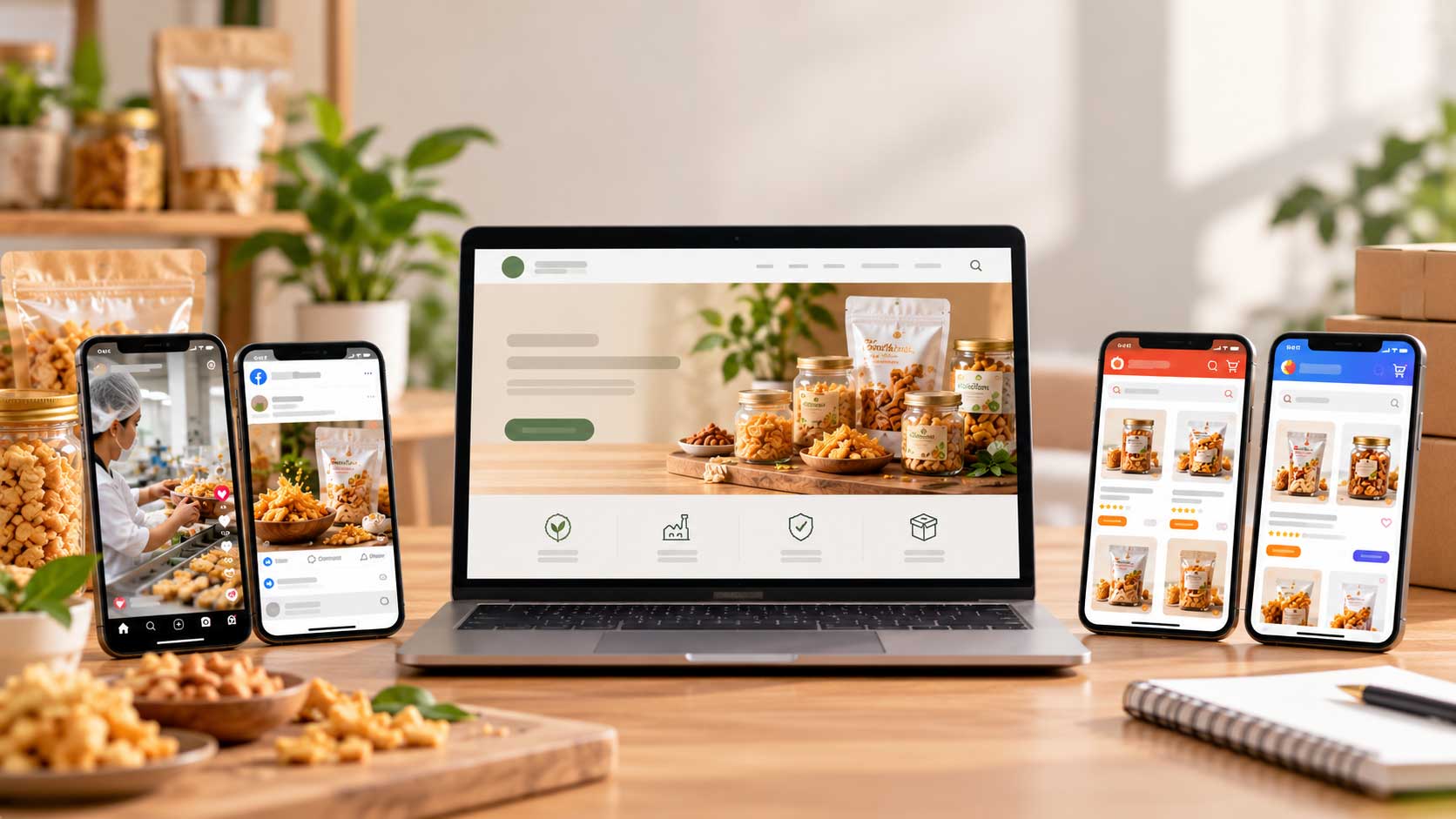
A useful approach is to create one main piece of website content and adapt it for different social media platforms.
For example, a blog article can become:
- A short Facebook post highlighting its main points.
- An Instagram carousel explaining several useful tips.
- A LinkedIn post discussing the business implications.
- A short video introducing one important idea.
Each post can direct interested readers to the original website article.
This approach helps businesses maintain consistent messaging without having to create completely different content for every platform.
Your website should also provide enough information for visitors who click through. Use clear headings, helpful explanations and relevant images so that people can continue exploring your business.
Read more about how website content can turn visitors into buyers.
When both channels work together, Social Media Website Traffic becomes more meaningful because visitors arrive with a better understanding of what they are looking for.
6. Make Sure Your Website Is Ready for Visitors
Getting people to click your social media links is only part of the process. Your website must provide a good experience after they arrive.
Imagine someone clicking a link to learn about your services, only to find a slow page, unclear information or a difficult contact form. They may leave without making an enquiry.
Before promoting a website page, check the following:
- Mobile Responsiveness: Make sure the page displays properly on smartphones and tablets.
- Loading Speed: Compress large images and review unnecessary scripts or plugins.
- Clear Information: Explain your products and services in simple language.
- Easy Navigation: Help visitors find important information without unnecessary steps.
- Visible Contact Options: Make it easy to find your contact form, email address or WhatsApp link.
These details are especially important for businesses serving customers in Johor Bahru and Singapore, where visitors may be comparing several service providers before making a decision.
A good website experience helps visitors continue from social media browsing to learning more about your business.
7. Track Your Social Media Website Traffic
Do not rely only on likes, comments and follower numbers to decide whether your social media strategy is working.
Businesses should also understand how many visitors arrive at their website from different platforms and whether those visitors take meaningful actions.
You can use tools such as Google Analytics 4 (GA4) to review traffic sources, landing pages and visitor behaviour.
One useful method is adding UTM parameters to the website links shared on social media. These parameters help identify which platform and campaign referred visitors to your website.
For example, you could use different tracking links for Facebook, Instagram and LinkedIn campaigns.
Google explains how to create these links in its Campaign URL Builder guide.
You can review measurements such as:
- Website sessions from each social platform.
- Most visited landing pages.
- Enquiry form submissions.
- Contact button clicks.
- Engagement with important website pages.
Meta Business Suite also provides insights for connected Facebook Pages and Instagram accounts, helping businesses review content views, interactions and follower activity.
By reviewing these results regularly, businesses can identify which content attracts relevant visitors and which campaigns need improvement.
Social Media Marketing: Why Your Website Still Matters
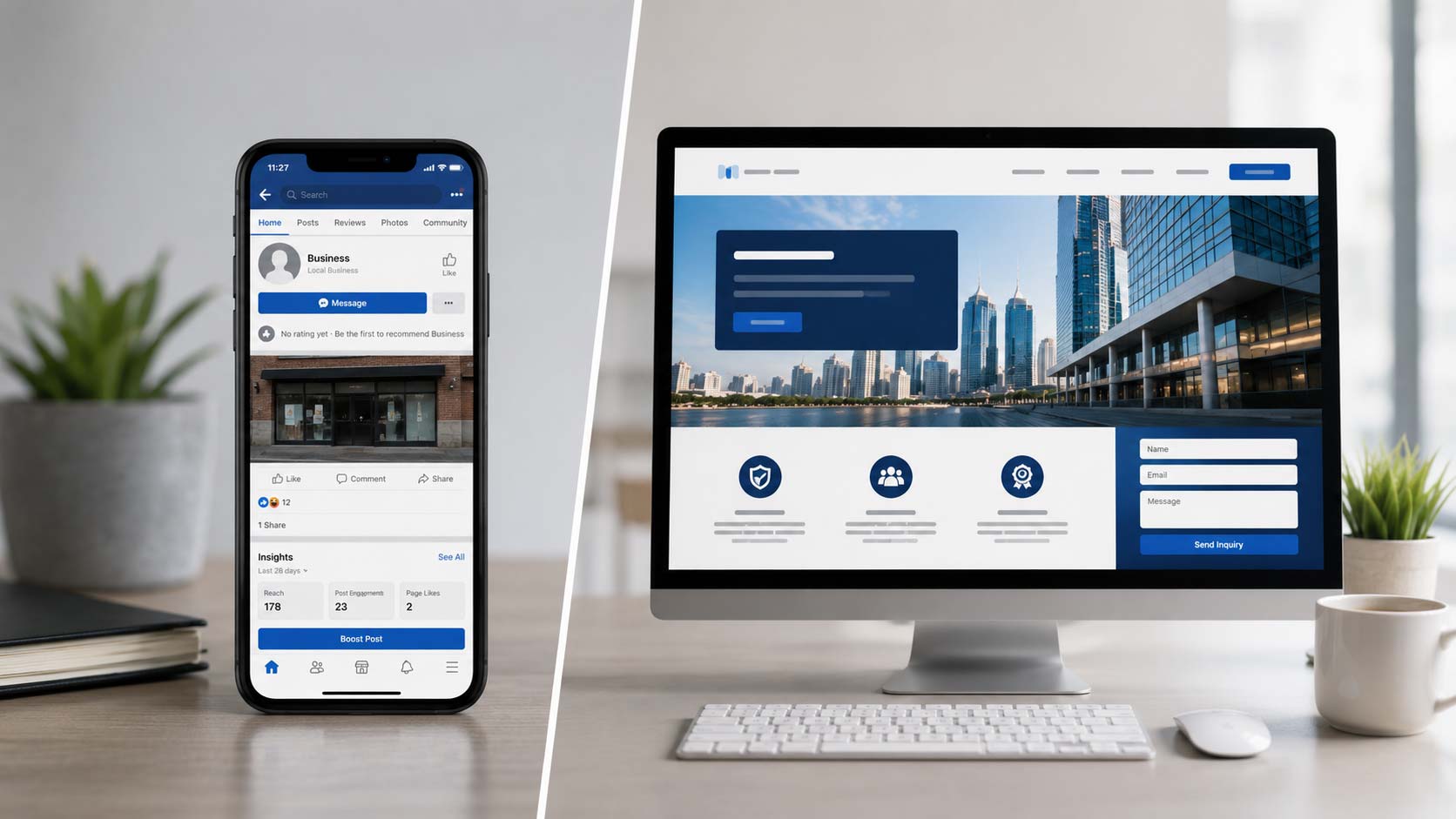
Social Media Marketing helps businesses build awareness, communicate with customers and introduce their products or services. However, social media should not be the only place where people can learn about your company.
A social media post may introduce your business, but a website gives visitors a more organised place to explore your company information, services, products, projects and contact details.
For example, a potential customer in Johor may discover a manufacturer through a Facebook post. Before making an enquiry, the customer may want to review the company’s production capabilities, product range and previous projects.
Similarly, a Singapore business owner looking for a Malaysian service provider may want to check the company’s background, service coverage and contact options before arranging a discussion.
Your website can provide this information in a structured way, while social media helps introduce people to the business.
For a closer look at the differences, read why businesses still need a website alongside social media.
The two channels serve different purposes. Social media helps people discover and interact with your brand, while your website provides a more complete business resource and a direct place for enquiries.
How to Drive Website Traffic from Social Media in Johor and Singapore
Businesses targeting Johor, Johor Bahru and Singapore should consider the location, interests and needs of their intended customers when planning social media content.
For businesses in Johor Bahru, content can introduce local services, project experience, business locations and solutions for nearby customers. Companies serving Singapore may also highlight relevant service coverage and explain how enquiries or project discussions can be arranged.
For businesses elsewhere in Johor, such as manufacturers and suppliers, useful content may focus on product information, production capabilities, business solutions and industry knowledge.
For companies targeting Singapore, content should clearly explain what the business offers, which customers it serves and how cross-border enquiries can be handled.
A few practical considerations include:
- Use location references only when they are relevant to the service or audience.
- Share content that answers questions from your intended customers.
- Link to the most relevant website page rather than always sending visitors to the homepage.
- Make contact details and enquiry options easy to find.
- Review traffic and enquiry results to understand which locations and campaigns are performing well.
The goal is not simply to attract more clicks. It is to bring the right people to your website and help them find information that supports their next decision.
Build a Stronger Connection Between Social Media and Your Website with JPress
Social media can help your business reach more people, but your website plays an important role in turning that attention into genuine business opportunities.
JPress provides website development and digital marketing solutions for businesses in Johor, Johor Bahru, Singapore and across Malaysia.
Whether you are introducing a new business, promoting professional services or reaching B2B customers, your website should present your business clearly and make it easy for visitors to enquire.
If your social media accounts receive attention but your website is not generating enough enquiries, it may be time to review how both channels work together.
Explore our website development services to learn how a professional website can support your online presence.
With a suitable content strategy, clear website links and regular performance tracking, Social Media Website Traffic can become a more useful part of your business marketing efforts.
How to Use Social Media to Drive Traffic to Your Business Website
Many businesses use Facebook, Instagram and LinkedIn to promote their products and services. However, getting likes, comments and followers does not always mean that people will visit the business website or become potential customers.
The real value of social media is not just getting attention. It is giving interested people a reason to visit your website, learn more about your business and take the next step.
For businesses in Johor, Johor Bahru and Singapore, a good strategy should connect social media content with a useful website experience. By sharing relevant information, adding clear links and understanding what audiences are looking for, businesses can use Social Media Website Traffic to create more opportunities for enquiries.
Here are seven practical ways to connect your social media activities with your business website.
7 Ways to Increase Social Media Website Traffic
1. Choose the Right Social Media Platforms
Not every social media platform is suitable for every business. The best choice depends on your industry, target customers and the type of content you can consistently create.
For example:
- Facebook: Suitable for sharing business updates, promotions, customer information, events and community-related content.
- Instagram: Useful for visual content such as product photos, project highlights, short videos and behind-the-scenes posts.
- LinkedIn: Suitable for B2B businesses, manufacturers, professional service providers and companies looking to connect with business decision-makers.
- TikTok: Useful for short videos that introduce products, demonstrate services or show how a business operates.
A manufacturing company in Johor may find LinkedIn useful for presenting its production capabilities, while a café in Johor Bahru may prefer Instagram and Facebook to showcase its menu and promotions.
Businesses targeting Singapore customers should also consider which platforms their intended audience uses.
Instead of trying to manage every platform, start with the channels that match your customers. A focused approach makes it easier to maintain content quality and build consistent Social Media Website Traffic.
2. Add Your Website Link to Every Relevant Profile
One simple but important step is making sure visitors can easily find your website.
Your social media profile should include:
- Your official website URL.
- A clear business description.
- Your main products or services.
- Contact information where appropriate.
- A suitable action button, if the platform provides one.
For example, someone who discovers your company through Instagram should not need to search Google again just to find your website.
LinkedIn also allows businesses to include their website information and customise a call-to-action button on their Company Page. You can refer to LinkedIn’s Company Page best practices when setting up your business profile.
Make sure the website link leads to a relevant page. If your social media profile promotes web design services, direct visitors to your web design service page rather than an unrelated page.
A clear profile link creates a simple path from social media discovery to your website.
3. Share Content That Gives People a Reason to Click
Posting frequently does not automatically increase website visits. People are more likely to click when the content offers something useful or answers a question they already have.
Instead of sharing only promotional messages, try publishing content such as:
- Helpful tips related to your industry.
- Answers to common customer questions.
- Product or service explanations.
- Project updates and case studies.
- Practical guides and checklists.
- Blog articles that provide more detailed information.
For example, a manufacturer in Johor could share a short post about choosing suitable industrial materials and direct readers to a website article with more detailed specifications.
A professional service provider in Singapore could share a common business problem and link to a page explaining its services and approach.
The social media post should introduce the topic, while the website provides the fuller explanation. This gives people a clear reason to click and helps attract more relevant Social Media Website Traffic.
4. Use Clear Calls to Action in Your Posts
Even when people find your content useful, they may not visit your website unless you tell them where to go next.
A Call to Action (CTA) gives readers a clear next step. Depending on the purpose of your post, you can use phrases such as:
- Read the full article on our website.
- Explore our services.
- View our latest projects.
- Visit our website for more details.
- Request a quotation.
- Contact our team to learn more.
For example, instead of ending a Facebook post with a general statement about your services, invite readers to visit a specific service page for more information.
Keep the CTA relevant to the content. A post introducing a new product should lead to its product page, while an educational post can link to a related blog article.
Clear CTAs help turn social media engagement into meaningful website visits and support better Social Media Website Traffic.
5. Create Content That Connects Social Media with Your Website
Social media and your business website should support each other rather than operate as completely separate marketing channels.
A useful approach is to create one main piece of website content and adapt it for different social media platforms.
For example, a blog article can become:
- A short Facebook post highlighting its main points.
- An Instagram carousel explaining several useful tips.
- A LinkedIn post discussing the business implications.
- A short video introducing one important idea.
Each post can direct interested readers to the original website article.
This approach helps businesses maintain consistent messaging without having to create completely different content for every platform.
Your website should also provide enough information for visitors who click through. Use clear headings, helpful explanations and relevant images so that people can continue exploring your business.
Read more about how website content can turn visitors into buyers.
When both channels work together, Social Media Website Traffic becomes more meaningful because visitors arrive with a better understanding of what they are looking for.
6. Make Sure Your Website Is Ready for Visitors
Getting people to click your social media links is only part of the process. Your website must provide a good experience after they arrive.
Imagine someone clicking a link to learn about your services, only to find a slow page, unclear information or a difficult contact form. They may leave without making an enquiry.
Before promoting a website page, check the following:
- Mobile Responsiveness: Make sure the page displays properly on smartphones and tablets.
- Loading Speed: Compress large images and review unnecessary scripts or plugins.
- Clear Information: Explain your products and services in simple language.
- Easy Navigation: Help visitors find important information without unnecessary steps.
- Visible Contact Options: Make it easy to find your contact form, email address or WhatsApp link.
These details are especially important for businesses serving customers in Johor Bahru and Singapore, where visitors may be comparing several service providers before making a decision.
A good website experience helps visitors continue from social media browsing to learning more about your business.
7. Track Your Social Media Website Traffic
Do not rely only on likes, comments and follower numbers to decide whether your social media strategy is working.
Businesses should also understand how many visitors arrive at their website from different platforms and whether those visitors take meaningful actions.
You can use tools such as Google Analytics 4 (GA4) to review traffic sources, landing pages and visitor behaviour.
One useful method is adding UTM parameters to the website links shared on social media. These parameters help identify which platform and campaign referred visitors to your website.
For example, you could use different tracking links for Facebook, Instagram and LinkedIn campaigns.
Google explains how to create these links in its Campaign URL Builder guide.
You can review measurements such as:
- Website sessions from each social platform.
- Most visited landing pages.
- Enquiry form submissions.
- Contact button clicks.
- Engagement with important website pages.
Meta Business Suite also provides insights for connected Facebook Pages and Instagram accounts, helping businesses review content views, interactions and follower activity.
By reviewing these results regularly, businesses can identify which content attracts relevant visitors and which campaigns need improvement.
Social Media Marketing: Why Your Website Still Matters
Social Media Marketing helps businesses build awareness, communicate with customers and introduce their products or services. However, social media should not be the only place where people can learn about your company.
A social media post may introduce your business, but a website gives visitors a more organised place to explore your company information, services, products, projects and contact details.
For example, a potential customer in Johor may discover a manufacturer through a Facebook post. Before making an enquiry, the customer may want to review the company’s production capabilities, product range and previous projects.
Similarly, a Singapore business owner looking for a Malaysian service provider may want to check the company’s background, service coverage and contact options before arranging a discussion.
Your website can provide this information in a structured way, while social media helps introduce people to the business.
For a closer look at the differences, read why businesses still need a website alongside social media.
The two channels serve different purposes. Social media helps people discover and interact with your brand, while your website provides a more complete business resource and a direct place for enquiries.
How to Drive Website Traffic from Social Media in Johor and Singapore
Businesses targeting Johor, Johor Bahru and Singapore should consider the location, interests and needs of their intended customers when planning social media content.
For businesses in Johor Bahru, content can introduce local services, project experience, business locations and solutions for nearby customers. Companies serving Singapore may also highlight relevant service coverage and explain how enquiries or project discussions can be arranged.
For businesses elsewhere in Johor, such as manufacturers and suppliers, useful content may focus on product information, production capabilities, business solutions and industry knowledge.
For companies targeting Singapore, content should clearly explain what the business offers, which customers it serves and how cross-border enquiries can be handled.
A few practical considerations include:
- Use location references only when they are relevant to the service or audience.
- Share content that answers questions from your intended customers.
- Link to the most relevant website page rather than always sending visitors to the homepage.
- Make contact details and enquiry options easy to find.
- Review traffic and enquiry results to understand which locations and campaigns are performing well.
The goal is not simply to attract more clicks. It is to bring the right people to your website and help them find information that supports their next decision.
Build a Stronger Connection Between Social Media and Your Website with JPress
Social media can help your business reach more people, but your website plays an important role in turning that attention into genuine business opportunities.
JPress provides website development and digital marketing solutions for businesses in Johor, Johor Bahru, Singapore and across Malaysia.
Whether you are introducing a new business, promoting professional services or reaching B2B customers, your website should present your business clearly and make it easy for visitors to enquire.
If your social media accounts receive attention but your website is not generating enough enquiries, it may be time to review how both channels work together.
Explore our website development services to learn how a professional website can support your online presence.
With a suitable content strategy, clear website links and regular performance tracking, Social Media Website Traffic can become a more useful part of your business marketing efforts.
Everything You Need to Grow Online
Choose the Right Digital Solutions for Your Business.




Everything You Need
to Grow Online
Choose the Right Digital
Solutions for Your Business.
